
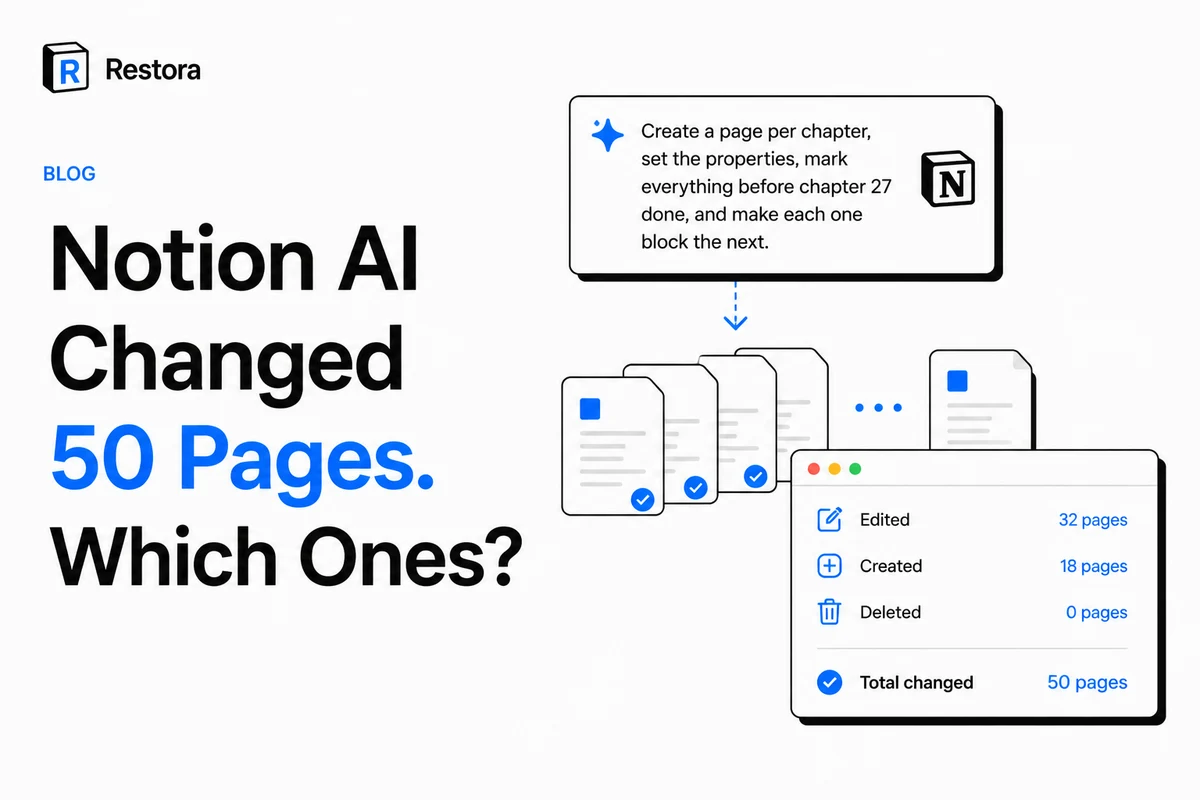
One prompt now moves more of your workspace than a week of manual edits. People are handing Notion AI — or Claude and ChatGPT through the Notion MCP — jobs like "create a page per chapter, set the properties, mark everything before chapter 27 done, and make each one block the next." Fifty pages, dependencies wired, properties inferred. Minutes.
Which raises the question nobody enjoys: it says it did all that. Did it?
The honest version of the concern showed up in a thread about exactly this workflow: the cheapest model is the one with the lowest cost after rework — creating 50 pages cheaply is less impressive if you still have to inspect all 50. That's the real cost of agent edits. Not the credits. The verification.
Why "just undo it" doesn't hold at agent scale
Notion does give you recovery tools. They're good at what they were built for, and none of them was built for this.
- Undo (Ctrl/Cmd+Z) is a session-and-context thing. It won't reliably walk back fifty API-driven creates across several databases made while you were doing something else.
- Page version history is per page. Fifty touched pages means opening fifty histories to compare fifty timelines. That's the inspection problem again, wearing a different hat.
- Trash only helps for whole pages that were deleted, and only for about 30 days. It does nothing for a page that was edited, or a property that was rewritten.
One exception is worth knowing: Notion says changes made by its own Custom Agents are reversible, so undo what a Custom Agent did there first. That doesn't reach an agent working through the API — Claude or ChatGPT via the Notion MCP, or a script — which leaves you with the three tools above.
All three answer "restore this thing I already know about." None answers the question you actually have after an agent run: what changed?
The change that no undo reaches
One category deserves singling out, because it's permanent. If an agent (or an automation, or a helpful colleague) changes a property's type — select to text, date to text, relation to something else — Notion converts the existing values, and the conversion is not reversible by switching the type back. Change it back and you don't get the old values; you get whatever survived the round trip.
Version history covers page content, not the database's schema. So a property-type change made by an agent at 2am is a data-loss event with no undo button. We wrote that up separately in Notion property type changes are permanent, and it's the single strongest argument for having a snapshot from before the run.
Snapshot before. Diff after.
The fix is boring and it works: take a full snapshot before you let the agent run, and compare after. Restora's CLI does both, locally, free:
npx @restora/cli guard --label "before-chapter-agent"
# ...let the agent do its thing...
npx @restora/cli guard --report
The report names what actually changed — rows added, removed, and edited, schema changes, pages — instead of leaving you to eyeball fifty pages. Both snapshots are read from Notion's API straight to your machine and compared there; no workspace content passes through our servers, and guard snapshots are kept out of your normal backup history so they don't disturb retention.
Two flags matter if you're automating rather than prompting: --json emits the diff for a script to read, and --fail-on-changes exits non-zero when the report finds a change — which turns "this automation must never touch Notion" from a hope into a CI check.
And because both sides are full backups rather than diffs-only, the before-snapshot is also the recovery path: if the agent did wreck something, that file can be restored with relations and rollups intact, not re-imported as flat rows.
A workflow that survives cheap models
The thread that prompted this post was mostly about cost: which model gets a job done inside the new usage limits. Fair question. But "cheap model, more supervision" and "expensive model, less supervision" both assume supervision is the expensive part — and it is, as long as supervision means reading everything.
It doesn't have to. Snapshot, run, diff: you read a list of what changed instead of the whole workspace. That makes a cheaper model genuinely cheaper, because the rework check stops scaling with how much the agent touched.
- Snapshot before any bulk agent or automation run — especially one that can touch database properties.
- Let it run. Give it the whole job; that's the point of using it.
- Diff. Read the report, not the workspace.
- Keep a schedule anyway. Guard covers a single run. Scheduled backups cover the Tuesday you forgot to snapshot.
Agents are genuinely good at this work now. That's exactly why the before-picture is worth ninety seconds.