
How Notion data disappears — and how to get it back.
Straight, honest guides on protecting your Notion workspace: what its export and version history quietly miss, and how to actually restore your databases, relations, and rollups — not just a pile of files.
Featured guide
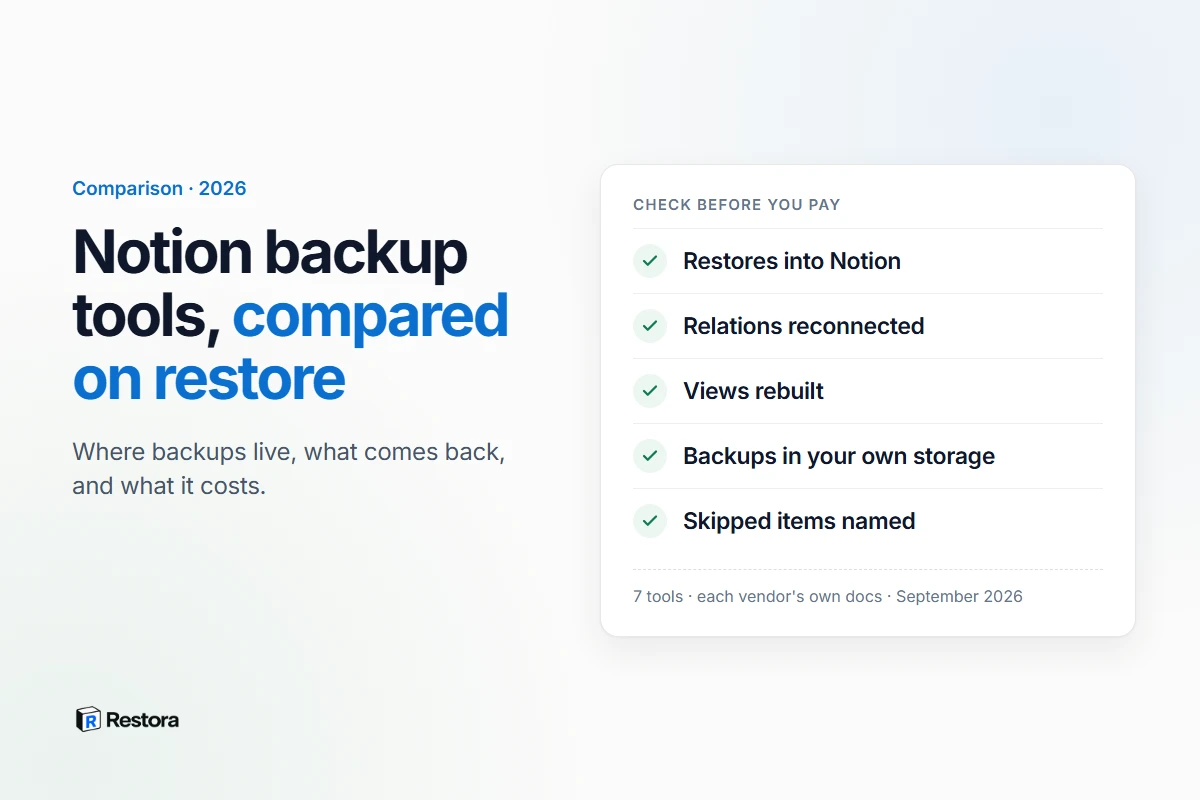
The Best Notion Backup Tools, Compared on What They Restore
Seven tools, checked against their own documentation: where your backups live, whether they can restore into Notion with relations and views, and what they cost.
Read article →Automate it from your terminal.
Get the CLI →More guides
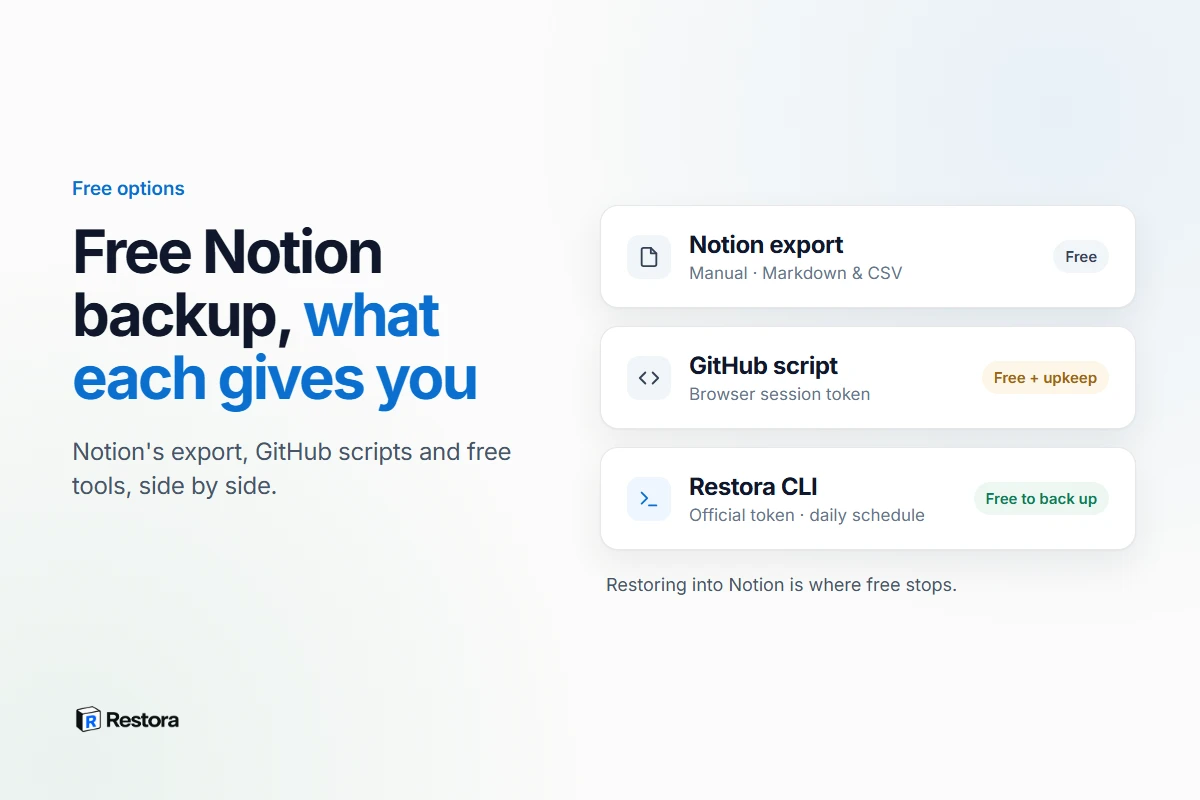
Free Notion Backup Options, Compared: What Each One Really Gives You
Notion's export, GitHub scripts, Backups.so and a free CLI: which run on their own, which break when a login token expires, and which can ever be restored.
Read article →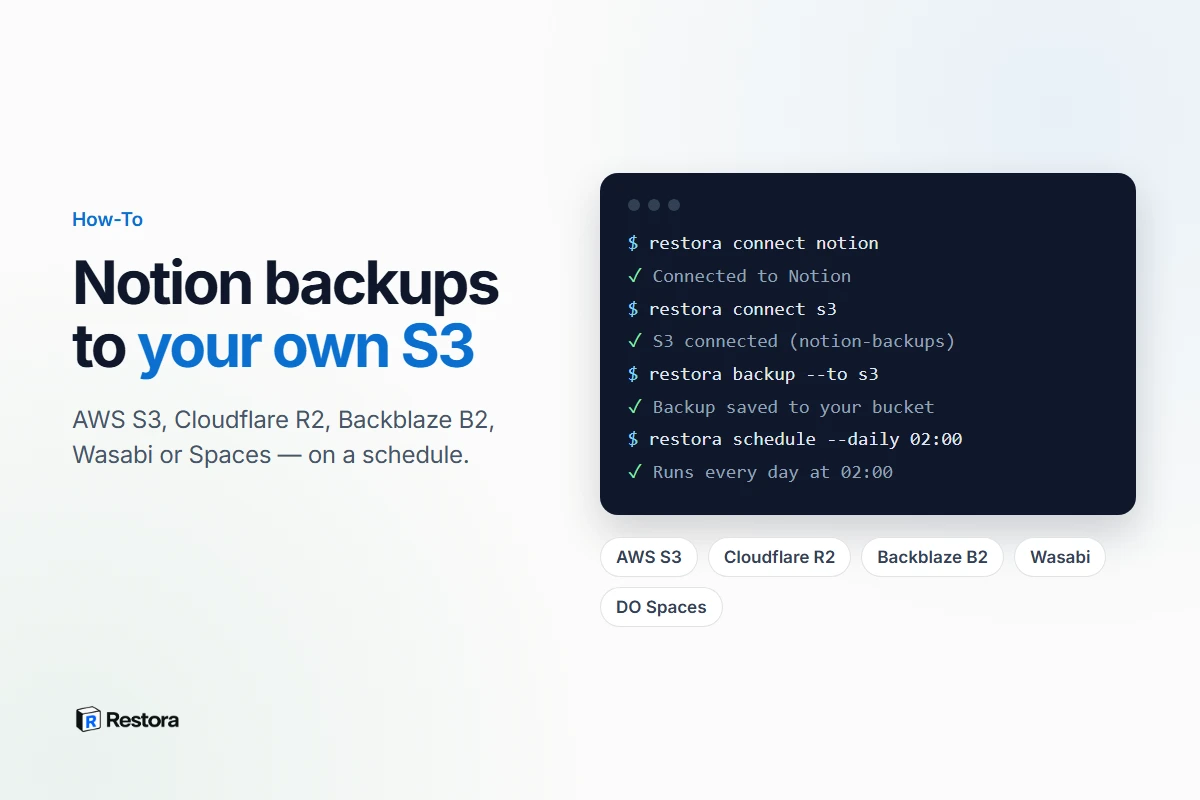
How to Back Up Notion to Your Own S3 Bucket, Automatically
Scheduled, restorable Notion backups to AWS S3, Cloudflare R2, Backblaze B2, Wasabi or Spaces — a least-privilege key, versioning, and four commands.
Read article →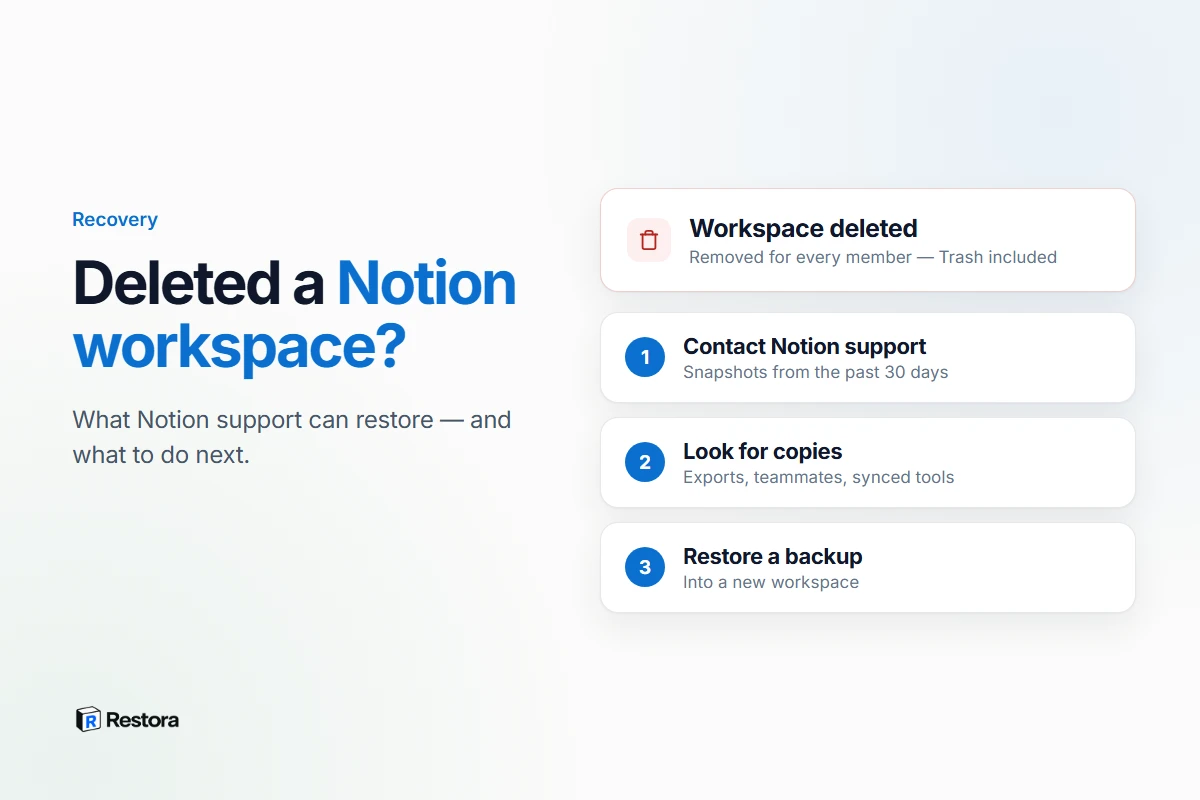
Accidentally Deleted a Notion Workspace? Here's What You Can Still Recover
Deleting a workspace removes it for every member. What Notion support can restore within 30 days, what to send them, and what to do next.
Read article →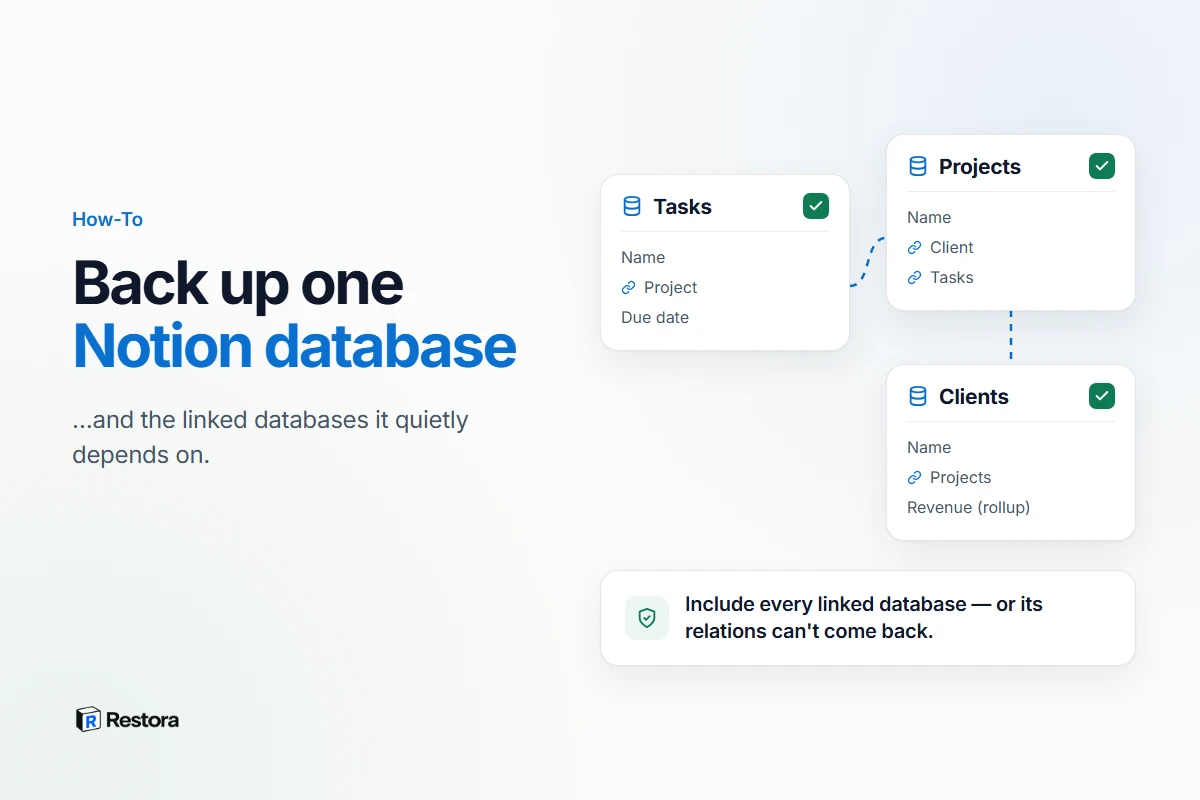
How to Back Up a Notion Database Without Breaking Its Relations
Export, duplicate or back up one database — and why the databases it links to have to come along if you ever want its relations back.
Read article →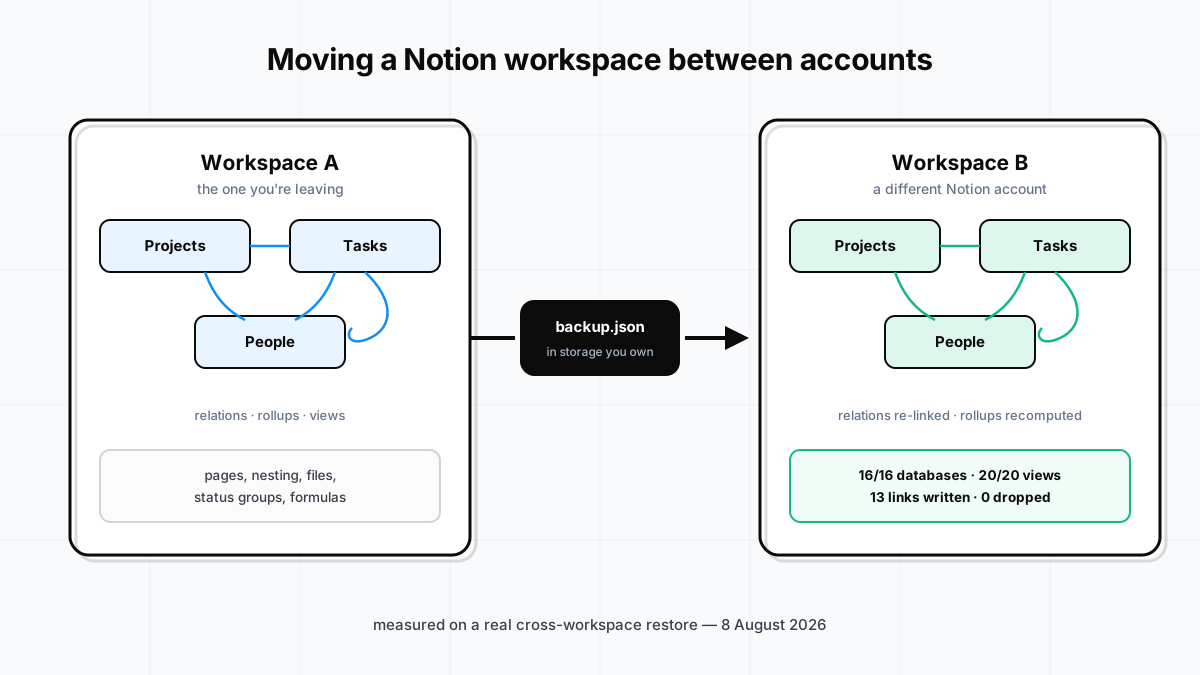
How to Transfer a Notion Workspace to Another Account
Notion has no button for this, and export flattens the structure. How a workspace actually crosses into a different account — relations, rollups and views intact — with measured results from a real run.
Read article →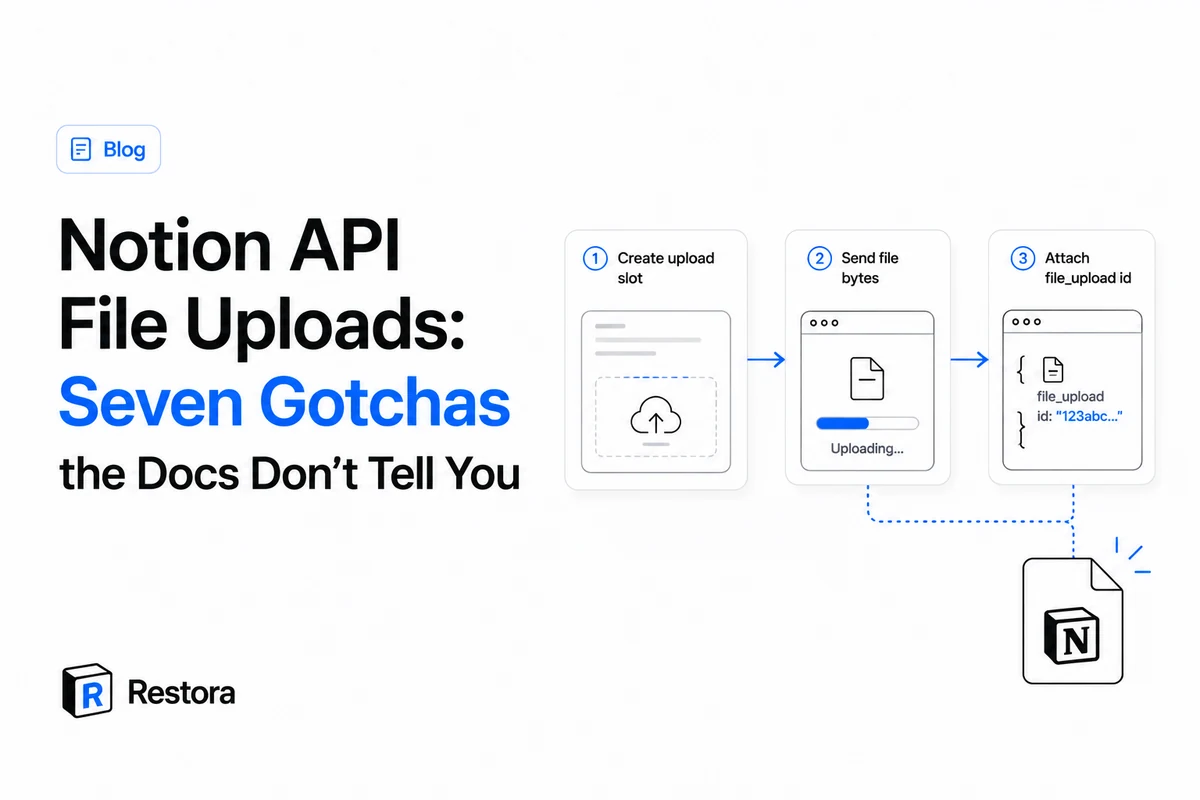
Notion API File Uploads: Seven Gotchas the Docs Don't Tell You
The three-step flow looks simple. These are the failures that aren't written down — content-type traps, the 5MB free-plan wall, the 1-hour id expiry — with verbatim errors from the live API.
Read article →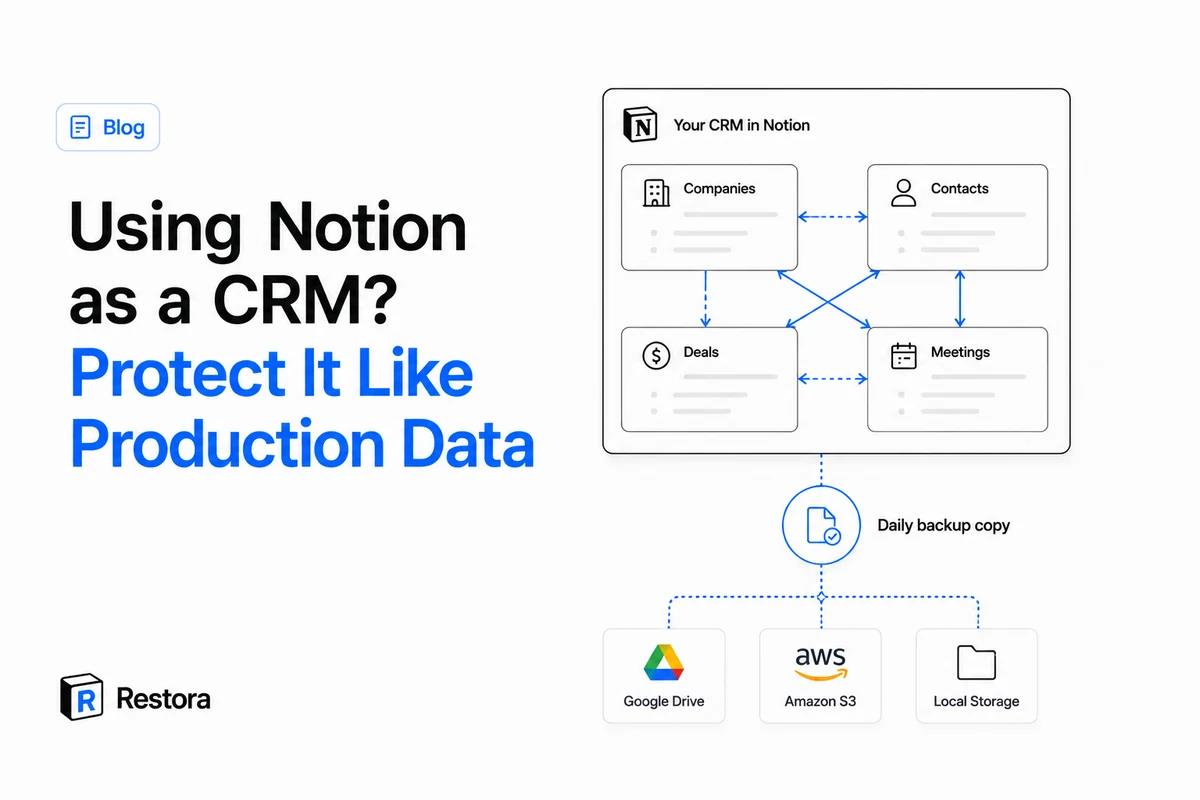
Using Notion as a CRM? Protect It Like Production Data
Companies, contacts, deals and meeting notes — all linked, all in Notion. The setup works; the safety net didn't grow with it. The failure modes of a Notion CRM, and the two-minute fix.
Read article →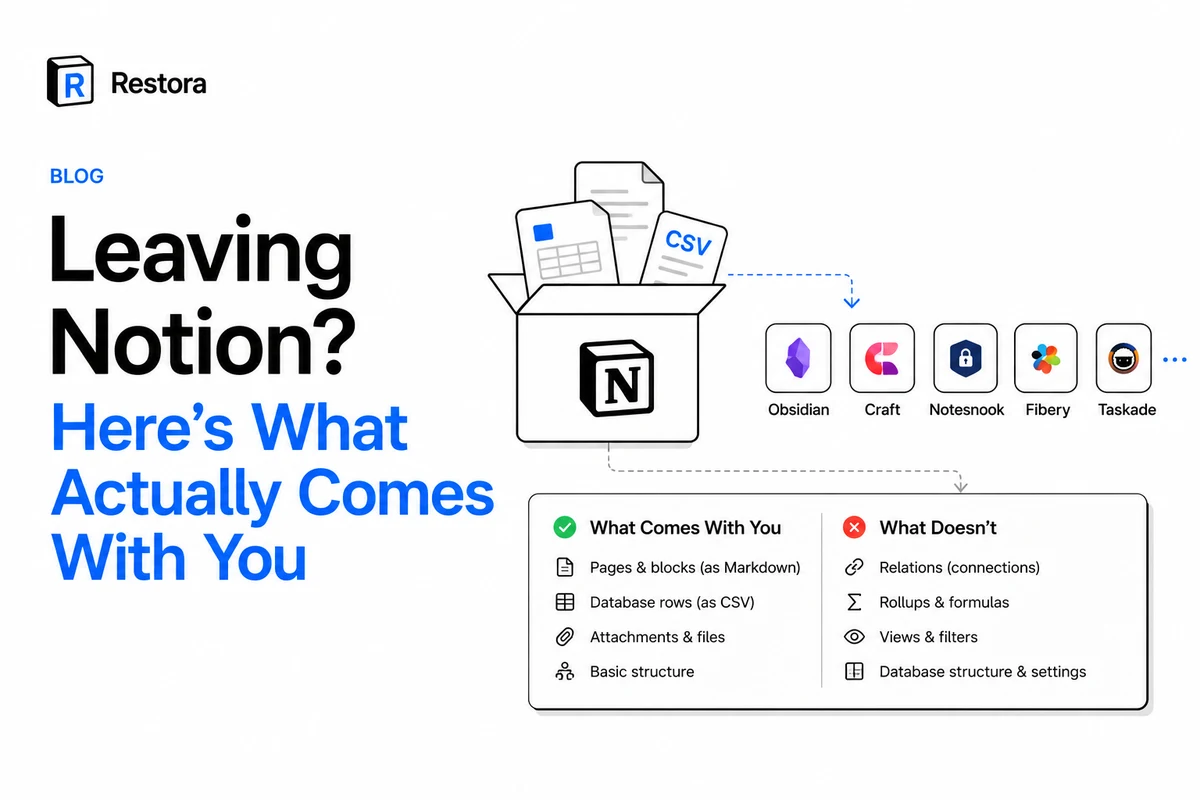
Leaving Notion? Here's What Actually Comes With You
What the built-in export really carries to Obsidian, Craft, Fibery or Taskade — what silently breaks, and the honest trade-off per destination.
Read article →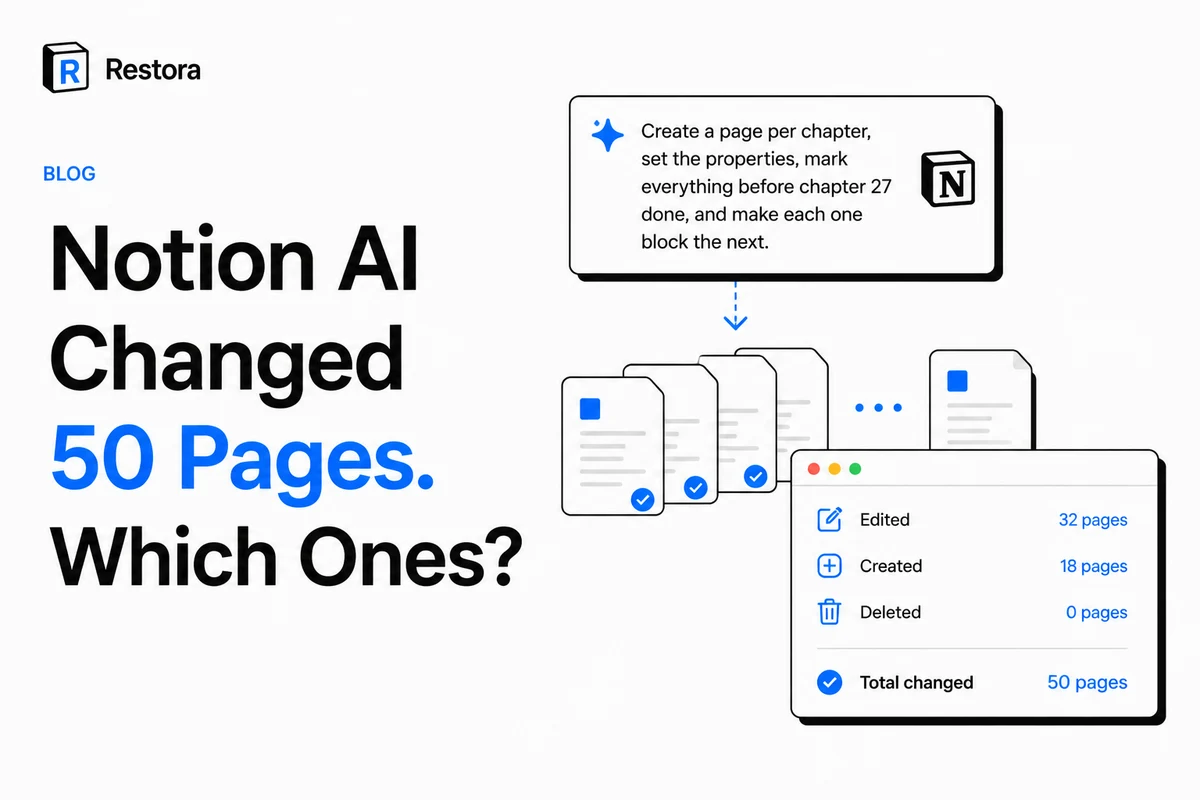
Notion AI Changed 50 Pages. Which Ones?
Agents can rewrite a workspace in one prompt, and page history is per page. How to take a snapshot before an agent runs, and see exactly what it changed.
Read article →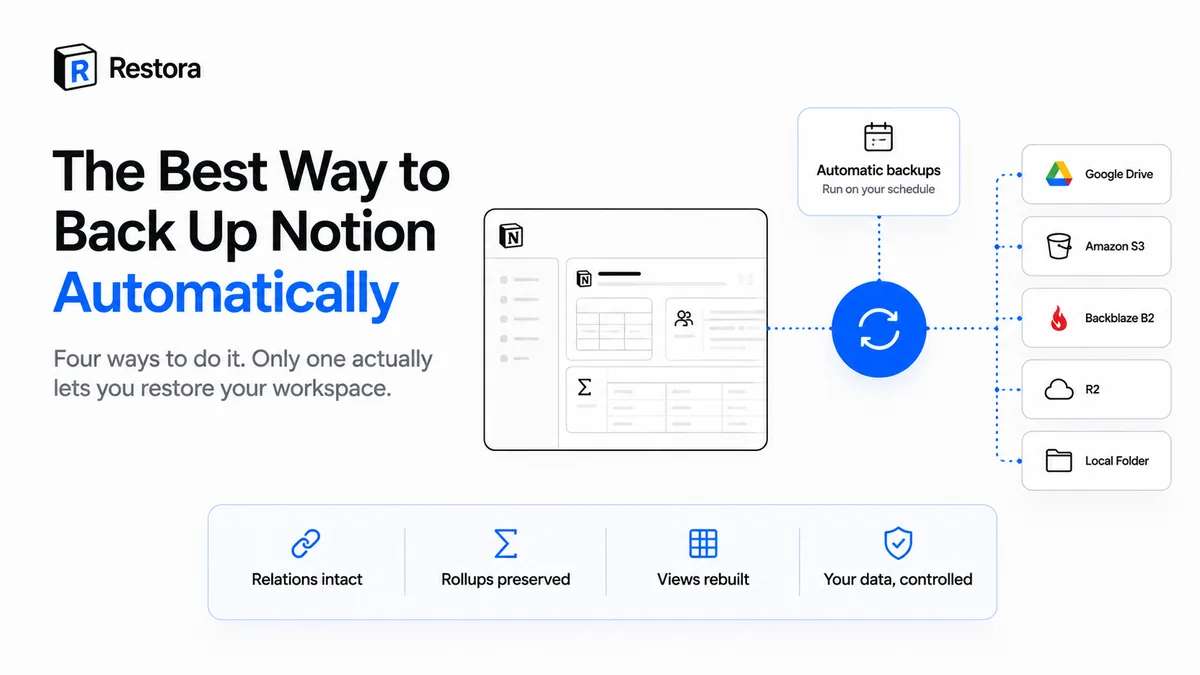
How to Back Up Notion Automatically: 4 Ways, Compared
Manual export, a DIY API script, or a third-party tool? The four ways people automate Notion backups — and the only test that separates a real one from a pile of files.
Read article →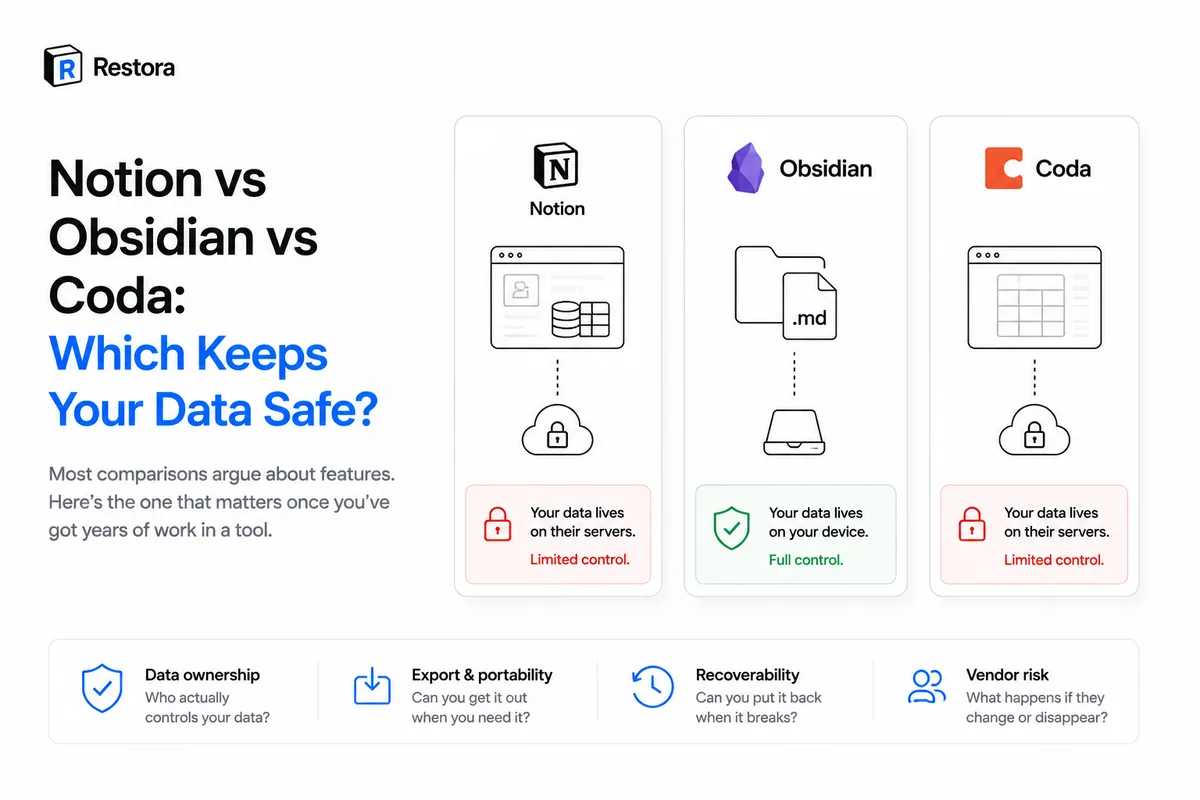
Notion vs Obsidian vs Coda: Which Keeps Your Data Safe?
Forget the feature war. Compared on the axis that matters once your work is on the line: who actually holds your data, and can you get it back?
Read article →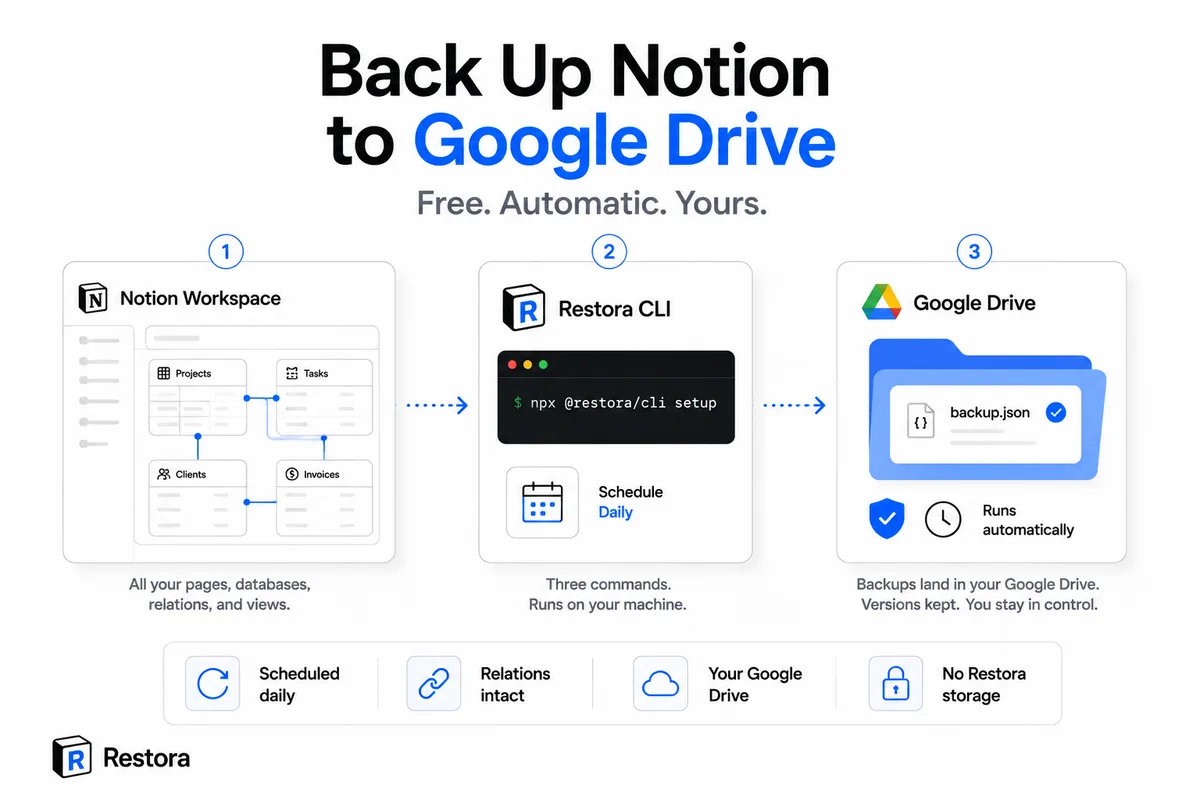
How to Back Up Notion to Google Drive Automatically (Free)
Send a structured copy of your Notion straight to your own Google Drive — on a schedule, relations and views intact. Three commands, no server holding your data.
Read article →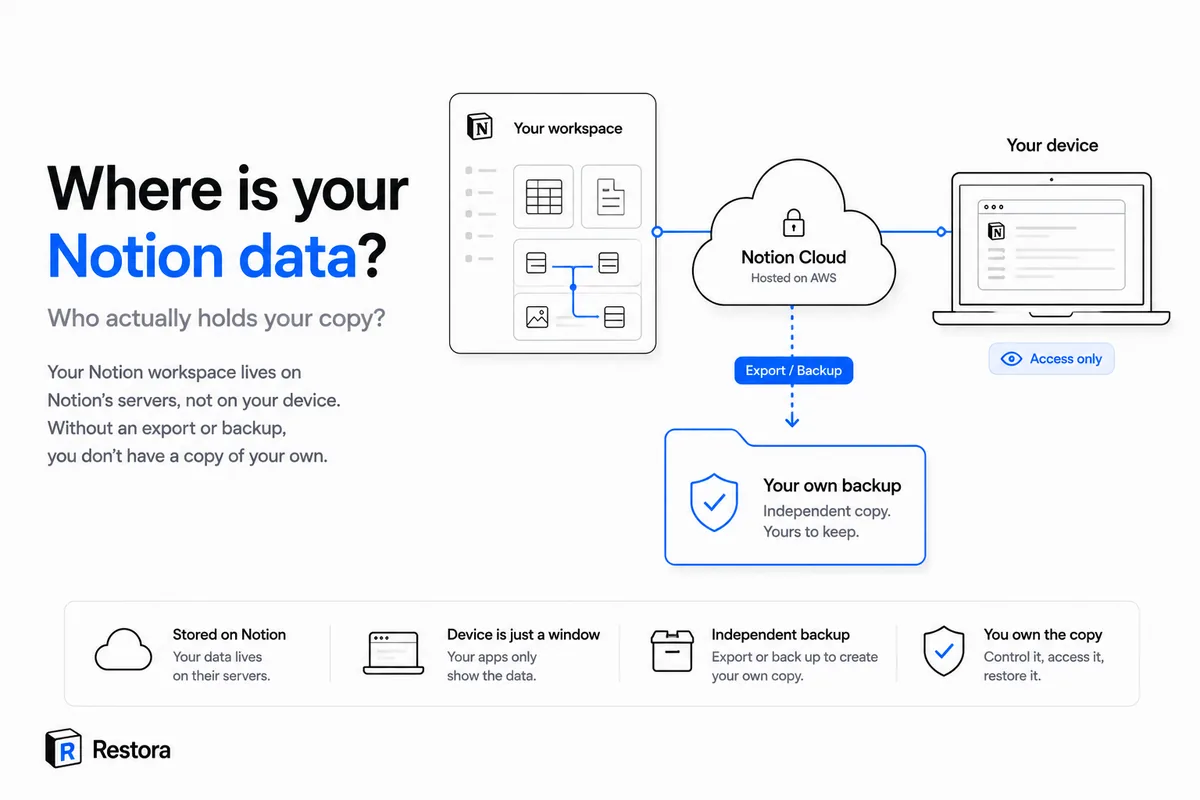
Where Is Your Notion Data Stored — and Can You Get It Out?
Short answer: on Notion's servers, not yours. What that means the day you lose access — and the one move that fixes it.
Read article →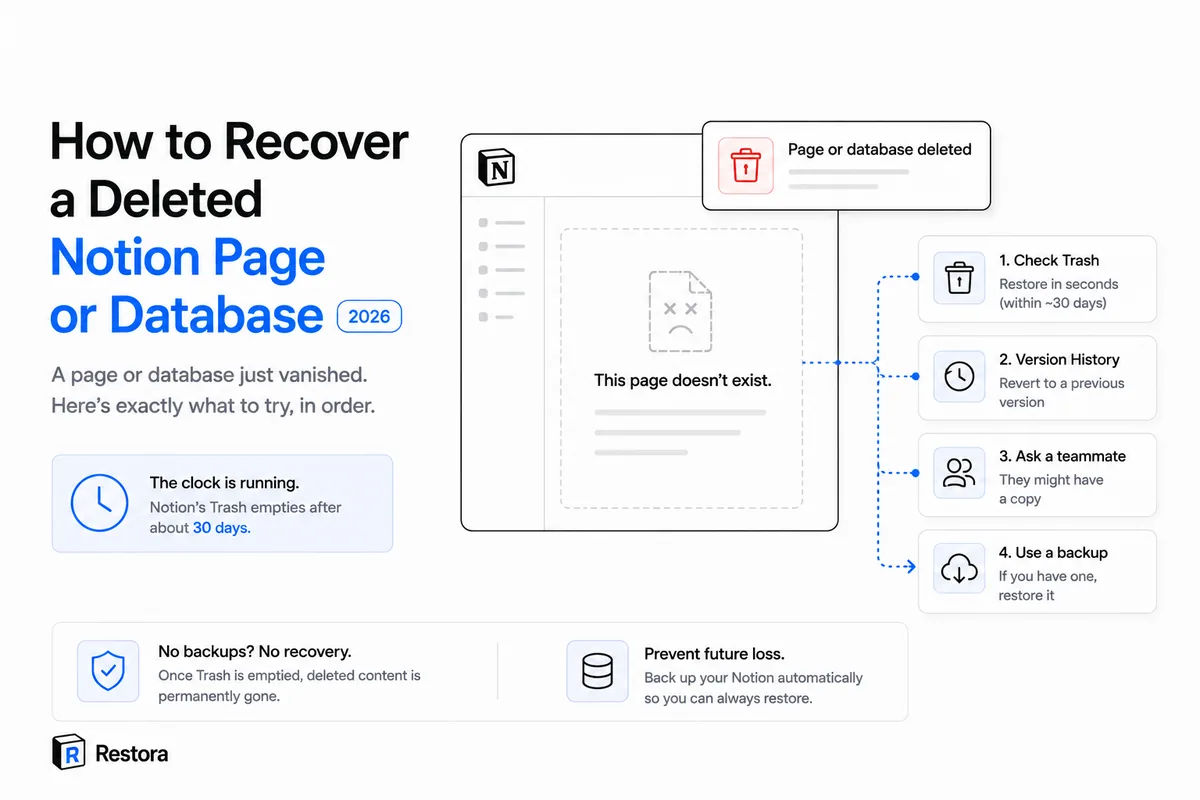
Deleted a Notion Page or Database? 4 Ways to Get It Back
A page or database just vanished. Here's exactly what to try, in order, plus the honest truth about what's recoverable once Notion's Trash empties.
Read article →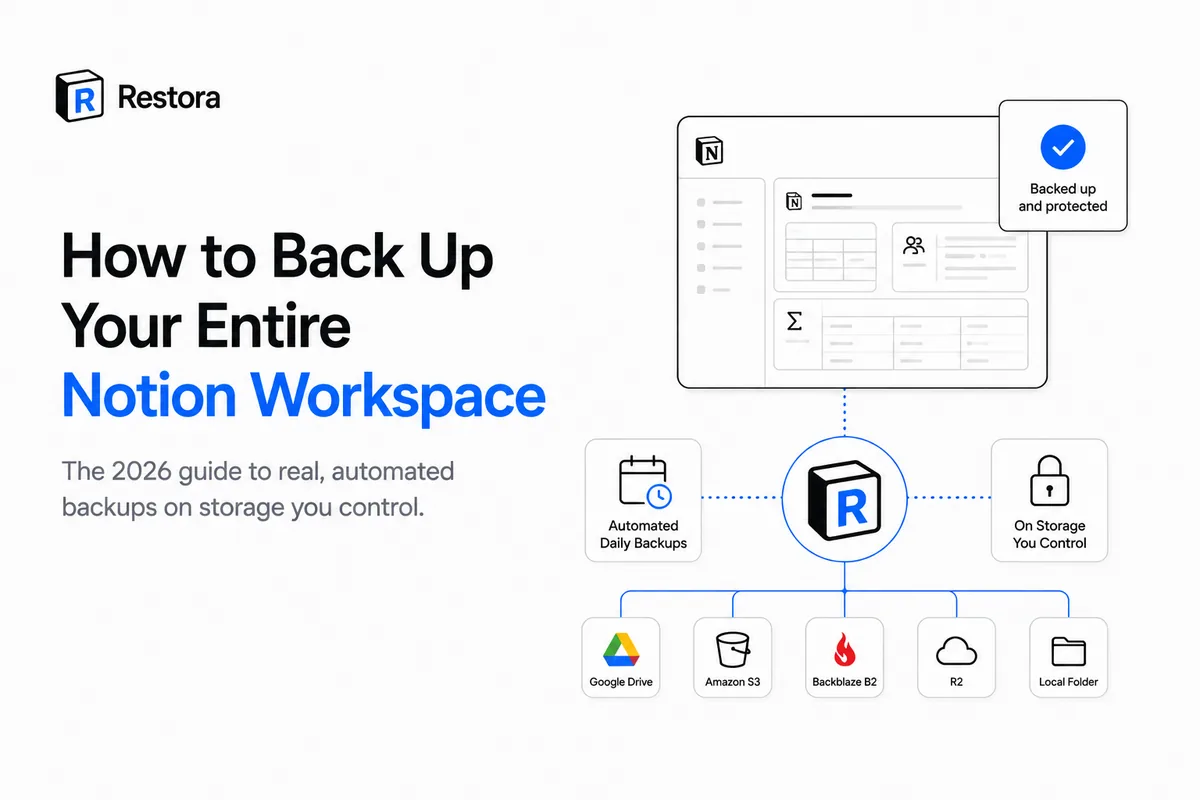
How to Back Up Your Entire Notion Workspace, Not Just Export It
The one-time export sitting in your Downloads folder isn't protection. Here's how to build a real, automated Notion backup on storage you actually control.
Read article →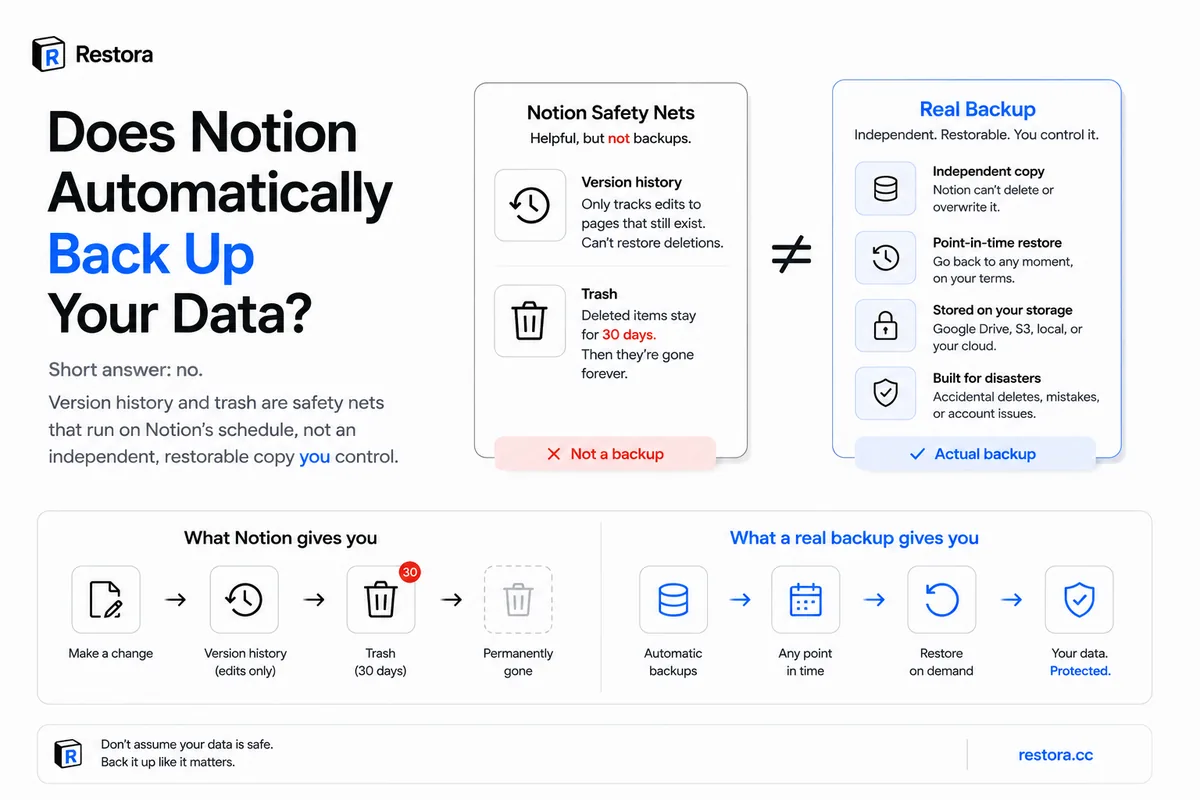
Does Notion Save Automatically? Yes — But It's Not a Backup
Yes, Notion saves every edit to its cloud as you work. No, that isn't a backup you control: version history, Trash and Notion's own backups all run on Notion's clock.
Read article →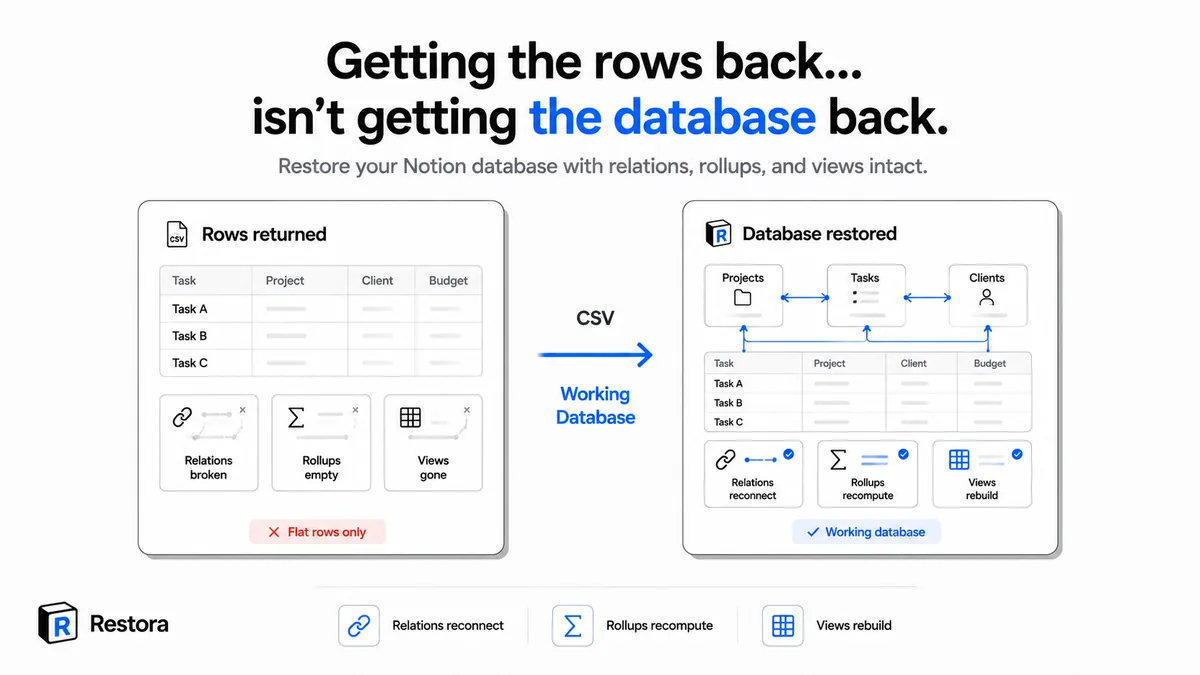
How to Restore a Notion Database Without Losing Its Relations
Re-importing a CSV gives you flat rows and dead relations. Here's how to rebuild the whole database — relations, rollups, and views — without doing it by hand.
Read article →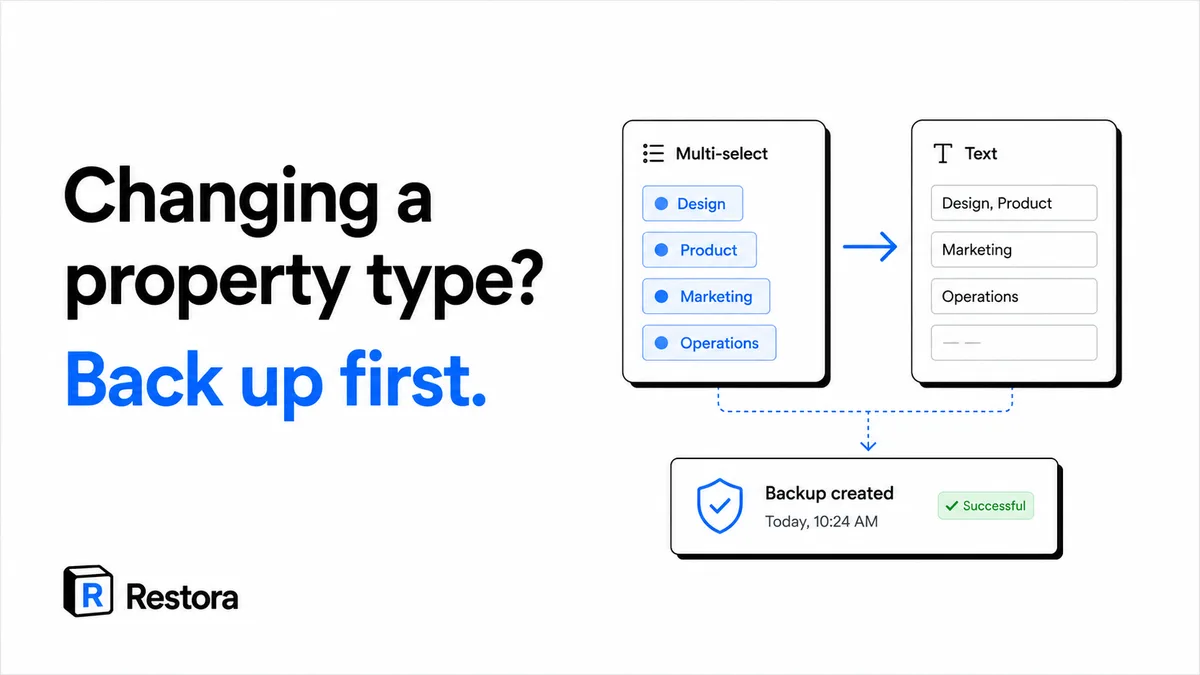
Changed a Notion Property Type? Here's Which Conversions Lose Data
Some Notion property-type conversions discard the existing cell data the instant you confirm — and version history can't bring the schema back.
Read article →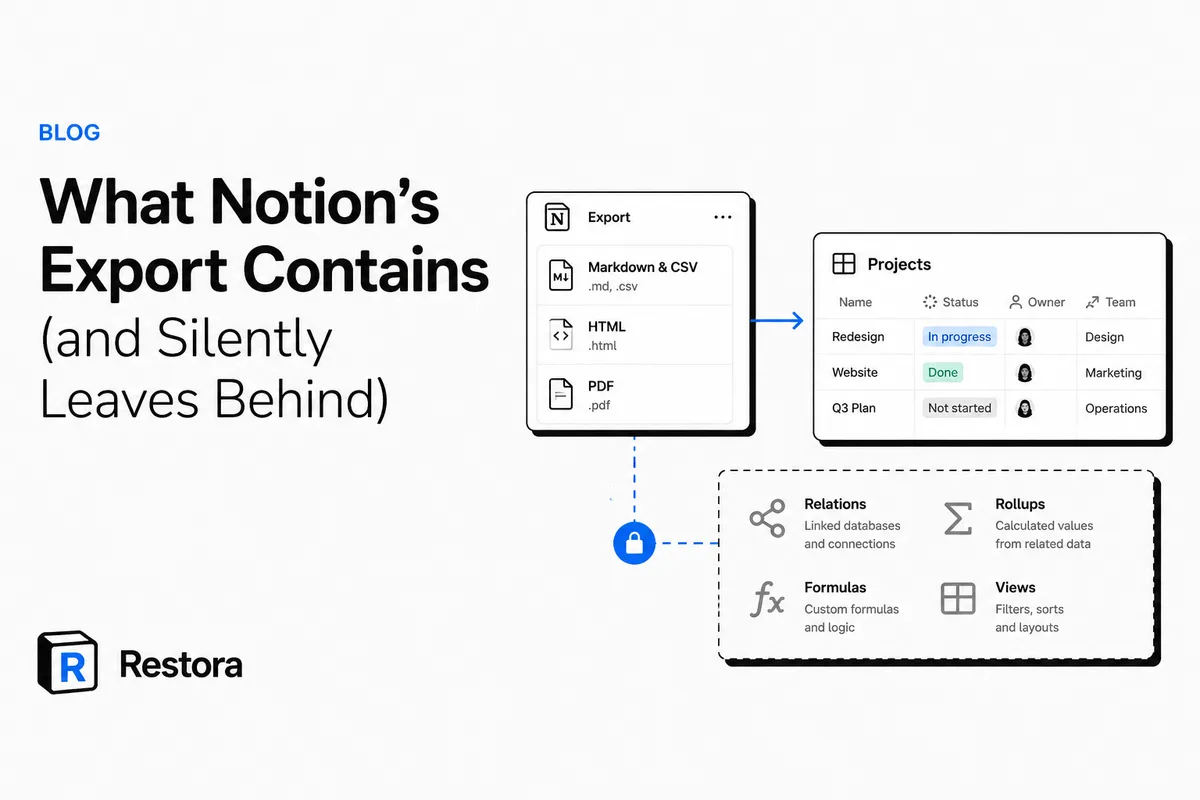
What Notion's Export Keeps — and What It Silently Leaves Behind
Notion's Markdown, CSV, and HTML exports save your page text and flat rows — but silently drop the relations, rollups, formulas, and views you'd need to actually rebuild the workspace.
Read article →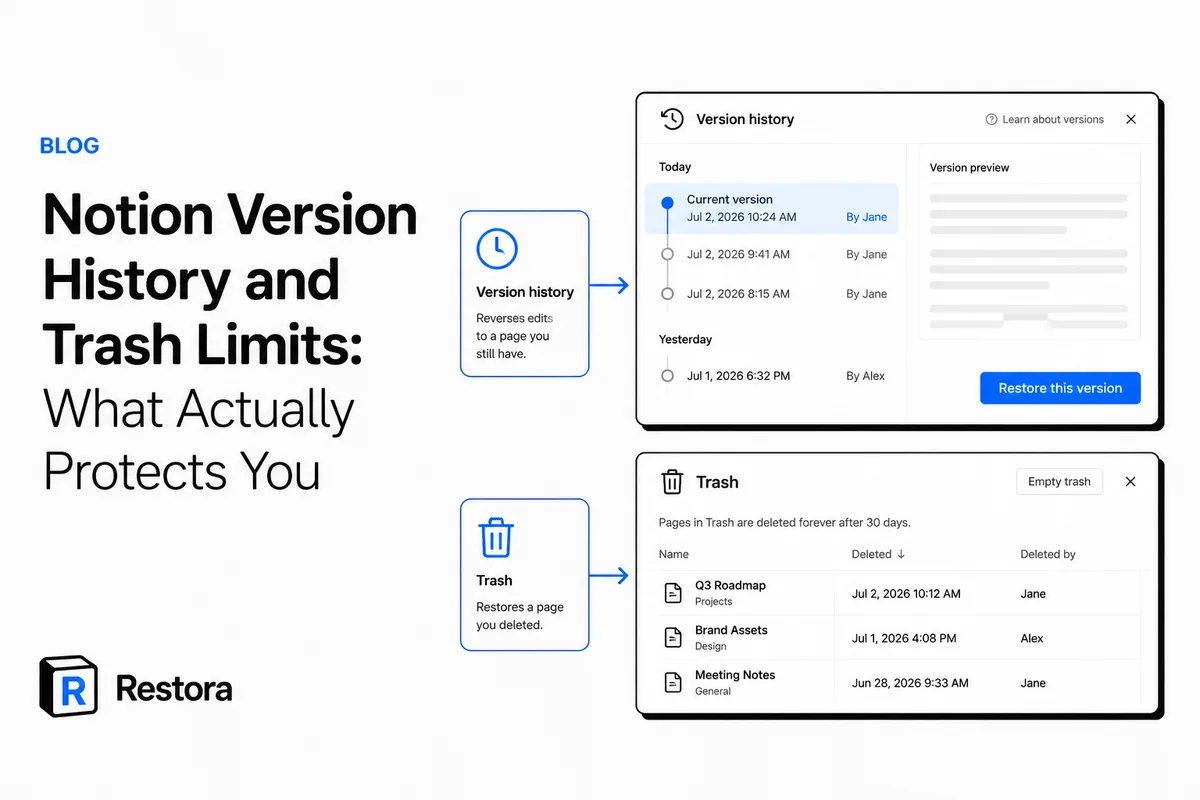
How Long Does Notion Keep Version History and Trash?
Version history lasts 7 days on Free, 30 on Plus and 90 on Business; Trash keeps pages 30 days. What each one restores — and the gaps neither covers.
Read article →
Notion to Google Sheets: One-Time Export vs Live Sync (2026)
Half the people searching "Notion to Google Sheets" don't need a $12/month sync tool — they need a clean copy, once. When a subscription is worth it, when free does the job, and how to keep relations readable either way.
Read article →