
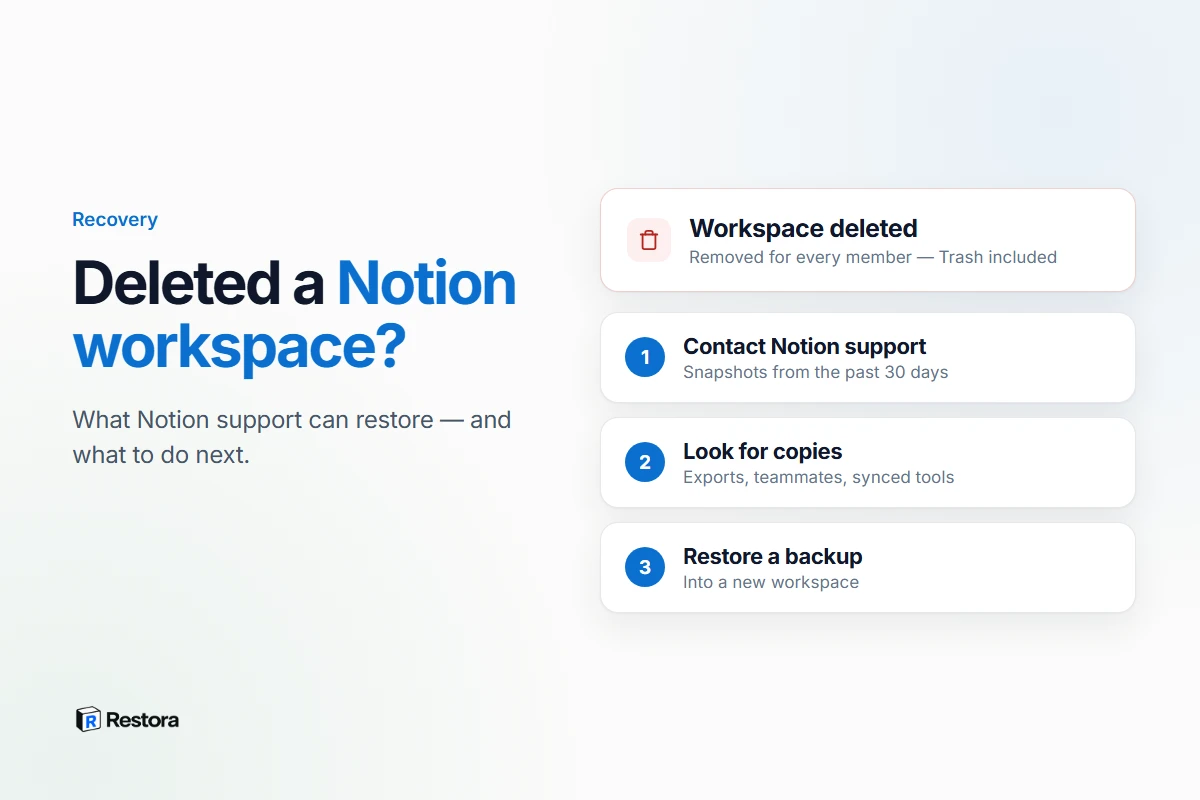
If you've just deleted a Notion workspace, contact Notion support now. Deleting a workspace has no Trash and no undo in the app. But Notion's help center says it keeps backups of its database and can restore a snapshot of your content from the past 30 days. That's your window. The rest of this page covers what counts as deleted, what to send support, and what to do if it's already too late.
First: what actually happened?
"My workspace is gone" covers a few different situations, and each one has a different fix.
| What happened | What it means | What to do |
|---|---|---|
| You deleted the workspace | Permanent in the app. Everything in it is deleted for every member, including private pages. | Contact Notion support right away. |
| You deleted your Notion account | Private workspaces where you were the only member, and shared workspaces where you were the only admin, are deleted. You're removed from the others. | Contact support. For shared workspaces, ask a remaining admin. |
| You left the workspace | You lose access to its content, but the workspace still exists. | Ask an admin to re-add you. |
| Someone changed your access | Shared content still exists unless it was deleted; you just can't see it. | Ask a workspace owner or admin. |
| A page or database vanished, not the workspace | It's in Trash for 30 days by default. | See recovering a deleted page or database. |
The first three rows come straight from Notion's help center on deleting a workspace, deleting your account and leaving a workspace.
How to ask Notion support for a restore
- Message support from the app. For accidental deletions, Notion's help center points you to the
?button at the bottom of the sidebar, or to contacting support by email. - Send specifics. The workspace name, the email address on your account, roughly when it was deleted, and what matters most to get back. The easier it is to identify, the easier it is to help.
- Don't wait. Notion describes restoring a snapshot from the past 30 days, so every day you wait narrows what's still within reach.
- Check billing separately. Notion notes that deleting a workspace doesn't cancel a subscription.
Why Trash and version history can't help
Both are features of a workspace. Trash keeps pages deleted from it for 30 days by default, and version history keeps each page's past versions for 7 days on Free, 30 on Plus and 90 on Business, with no limit on Enterprise. When the workspace itself is deleted, there's nothing left to open them from. That's what makes a deleted workspace a support request rather than something you can undo yourself. More on how both work in how long Notion keeps version history and Trash.
If support can't bring it back
Look for any copy that lived outside the deleted workspace:
- An old export. Check your Downloads folder and cloud drives for a Notion export. The link in Notion's export email expires after 7 days, so an old email won't help — but a file you downloaded will.
- Teammates' copies. Pages someone duplicated into another workspace, or exported for themselves.
- Connected tools. Data an integration copied into Google Sheets, a CRM or another app.
- A backup you set up earlier. A Restora backup lives in your own Google Drive, S3 bucket or local folder, so it doesn't depend on the workspace — or even your Notion account — still existing.
Rebuilding from a backup
With a Restora backup, you can rebuild in a new workspace, or in any workspace you can still reach: connect it to Restora and restore the backup under a page there. Restora recreates the databases, reconnects relations once every row exists, recomputes rollups and rebuilds views, then names anything it couldn't bring back. In one measured restore into a different account, that was 16 of 16 databases and 20 of 20 views, with every relation link written. Restoring is the paid step: $6.99/month on Pro, or a one-time $9.99 pass.
Some things don't survive any restore, because Notion's API can't write them: the original page IDs (so links or automations that depend on the original Notion IDs may need updating), original timestamps and authors, edit history, and sharing settings.
Before you delete a workspace, or leave a job
- Take a structured backup to storage you control, so databases can be rebuilt later, not just read.
- Export a readable copy as well, if you want files you can open without any tool.
- Check who else relies on it. Deleting a workspace deletes it for every member.
- Hand over admin rights in shared workspaces where you're the only admin — deleting your account deletes those workspaces too.
- Downgrade or cancel the plan yourself. Deleting the workspace doesn't do it.
Leaving an employer? Keep only what you're entitled to keep — that decision is yours, not a backup tool's.