
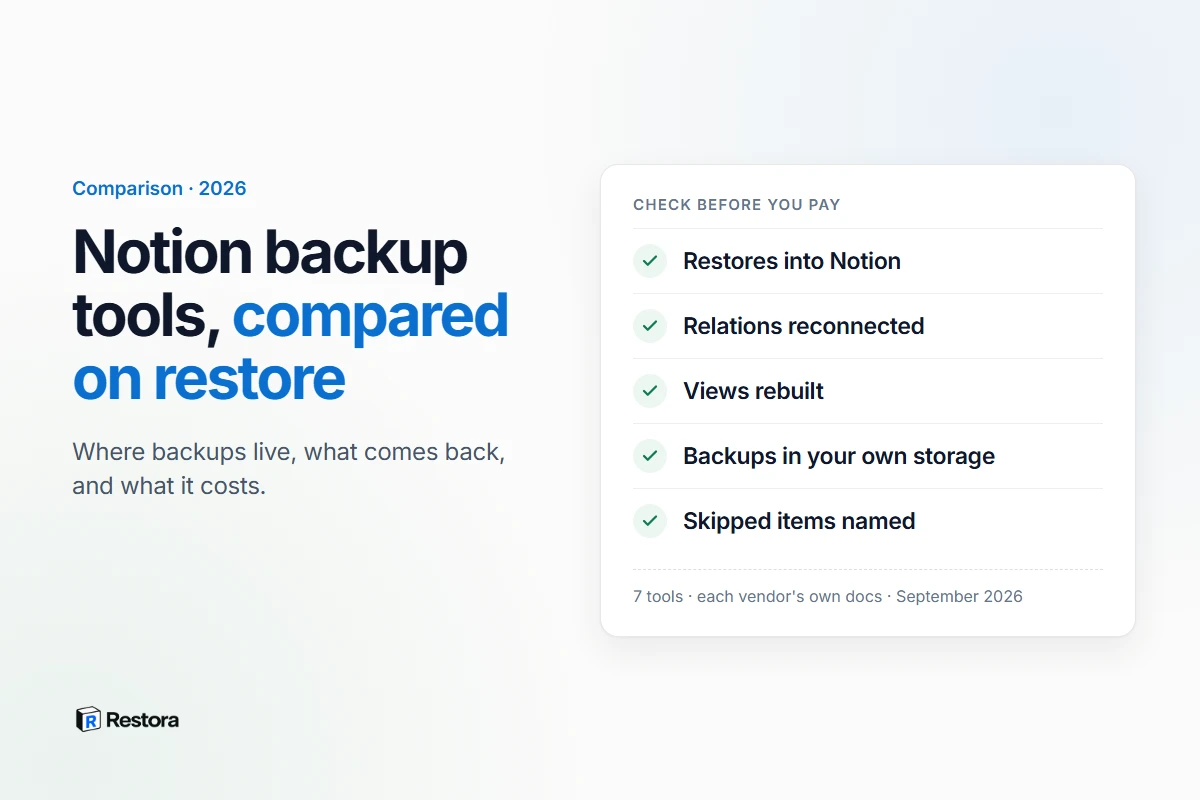
If you're choosing a Notion backup tool, the backup is the easy part: every option below can copy your workspace on a schedule. What separates them is the day you need it back. Does the tool rebuild the database inside Notion, with relations reconnected and views in place — or does it hand you a ZIP of files and leave the rebuilding to you?
We read each vendor's product pages, restore documentation and pricing pages on September 13, 2026, and compared them on that question. We didn't run every tool, so where something is a vendor's claim, it's labeled as theirs. Restora is our product; its row is held to the same standard — what our own pages say, limits included.
The short answer
- You need databases back in Notion with their relations: shortlist the tools that document a restore into Notion — SimpleBackups, Notion Backups (with limits it documents), ProBackup and Restora. Plakar does it too, if you're happy to run open-source backup software yourself.
- You want backups in storage you already own: SimpleBackups, Notion Backups and Restora write to your own bucket or drive; Backups.so can sync a copy to your own S3.
- You only need readable copies, for free: Backups.so, or Notion's own export. Neither restores into Notion.
- You want a vendor-managed archive with compliance paperwork: BackupLABS, ProBackup and SimpleBackups advertise SOC 2 Type II — but check the restore path before you rely on it.
How we compared
Five questions, answered from each vendor's own pages:
- Where do backups live? Your storage, the vendor's, or either.
- Can it restore into Notion? Not "can you download the files" — can it write your data back into a workspace.
- What does the vendor say comes back? Relations, rollups, formulas, views, files.
- How often does it run?
- What does it cost? As listed on the day we checked. Prices change, so confirm before you buy.
The seven, side by side
| Tool | Where backups live | Restore into Notion | How often | Price, as listed |
|---|---|---|---|---|
| Restora | Your Google Drive, S3-compatible bucket or local folder | Yes — rebuilds databases, relations, rollups and views; exceptions named in a report | Daily on your own machine with the free CLI; daily or weekly from Restora's servers on Pro | Backups free; restore on Pro ($6.99/month) or with a one-time $9.99 30-day pass |
| SimpleBackups | Your own S3, SFTP, Backblaze B2, Cloudflare R2 or Hetzner storage, or its managed storage | Yes — into a new, empty page; says relations, formulas and rollups are preserved | Hourly, daily or weekly | From $10/month for one workspace |
| Notion Backups | Your Google Drive, Dropbox, Amazon S3, Backblaze B2 or SFTP | Yes, with limits it documents — views aren't restored; relations only when both sides are in the same restore | Weekly on Lite; daily, weekly or monthly on higher plans | From $6/month |
| BackupLABS | BackupLABS storage (UK, US, EU or Australia); a copy in your own storage on Pro | No — its Notion FAQ says it doesn't offer restoration for Notion | Once a day; twice a day on Pro | Priced by quantity; 14-day trial |
| ProBackup | ProBackup's encrypted storage; Google Drive sync on higher plans | Yes — pages, databases and single records, without overwriting; relations not stated | Daily | From $25/month billed annually |
| Plakar | A repository you run yourself | Yes, "where permitted by the Notion API"; media files are re-uploaded by hand | On whatever schedule you set up | Open source |
| Backups.so | Its dashboard, with optional sync to your own S3 | No — CSV, Markdown and HTML downloads | Nightly | Free |
Each tool, briefly
Restora
Restora backs up to storage you own and restores into Notion. Its backup keeps databases as structure — relations, rollups and formulas as definitions, plus views and page hierarchy — and a restore rebuilds them in the workspace you choose, then lists anything it couldn't bring back. Backing up is free on the web or with the MIT-licensed CLI; restoring is the paid step. What a Restora restore can't bring back: the original page IDs (so links or automations that depend on the original Notion IDs may need updating), edit history, original timestamps and authors, sharing settings, and page-, feed- and dashboard-layout views, which Notion's API can't create.
A fit if you want no vendor holding your workspace, and a restore that rebuilds relational databases. Not a fit if you want the vendor to store and manage the archive for you.
SimpleBackups
A general backup platform with a Notion product. Its Notion page says it captures pages, databases, blocks and properties — including formulas, relations, rollups and unique IDs — plus files, comments and the people directory, and restores into a new, empty destination page in any connected workspace with relations, formulas and rollups preserved. Backups can go to your own S3, SFTP, Backblaze B2, Cloudflare R2 or Hetzner storage, or to its managed storage, and it advertises ISO 27001 and SOC 2 Type II.
A fit if you want schedules as frequent as hourly, into your own bucket, from a platform that also backs up other systems. Watch for Notion being priced per workspace: the free Basic plan doesn't include one, the Notion add-on starts at $10/month for a single workspace, and the $49/month Lite plan includes five.
Notion Backups
A Notion-only service that writes backups to your own Google Drive, Dropbox, Amazon S3, Backblaze B2 or SFTP server, and says it never stores data on your behalf. Its restore documentation is unusually specific about limits: views aren't restored, relations only restore when both sides are part of the same restore, formulas and rollups restore only when their dependencies can be mapped, and templates, buttons, forms and synced blocks aren't restored. Restoring into a different workspace requires its Pro plan ($28/month).
A fit if you want inexpensive scheduled backups to your own storage and don't mind rebuilding views by hand after a restore.
BackupLABS
BackupLABS backs up workspaces, pages, databases and attachments once a day — twice a day on Pro — to its own storage, with UK, US, EU or Australian data residency, and can also save a copy to your own S3, Google Drive or Dropbox on Pro. Retention is 30 days on Essentials and 90 days on Pro. The catch is the restore. Its marketing mentions one-click restores, but its Notion FAQ says it doesn't offer restoration for Notion, and its restore section describes downloading a ZIP of Markdown, PDF and JSON files and copying your data back in by hand.
A fit if retention and data residency matter more to you than an automated restore.
ProBackup
A multi-app backup service where Notion is one of several supported apps. It takes daily snapshots into its own AES-256-encrypted storage, offers Google Drive sync on its Pro and Premium plans, and advertises SOC 2 Type II. It says you can restore single records, pages or whole databases in one click without overwriting existing data. Its Notion page doesn't say how relations or views come back, so ask before relying on it for linked databases.
A fit if you already back up several SaaS apps and want them under one bill.
Plakar
Open-source backup software with a Notion integration. It snapshots pages and databases into a Plakar repository as structured JSON and can restore a snapshot back to Notion "where permitted by the Notion API". Its documentation notes that media files can't be restored directly to Notion — they come back to disk for you to re-upload — and that the integration has to be shared with each top-level page. You install, run and schedule it yourself.
A fit if you already operate your own backup infrastructure.
Backups.so
Free, with nightly backups of the pages and databases you select: databases as CSV and pages as Markdown and HTML, downloadable from its dashboard or synced to your own S3 bucket. It's a readable archive rather than a restore tool — nothing goes back into Notion for you.
A fit if you want a free, hands-off archive. For more free routes, including open-source scripts, see free Notion backup options, compared.
Five questions to ask before you pay
- "Can you show me a restore report?" Ask what came back and what didn't in a real restore — relations, rollups, formulas, views, files. If restore is a first-class feature, there will be one.
- "Can I restore into a different workspace?" You'll need it if the original workspace is deleted or you lose access. Some tools reserve it for higher plans.
- "What happens to links and automations?" Notion's API creates new pages when anything is restored, so page IDs change with every tool. The good ones tell you before you restore.
- "Where does my backup live, and who can read it?" Your bucket, the vendor's servers, or both. Both models are legitimate; they're different risks.
- "What gets skipped, and will I be told?" Files over a size cap, unsupported blocks, comments anchored to text. You want names, not a percentage.
What no backup tool can do
Some limits apply to every tool on this list, because they come from Notion's API rather than from any vendor: restored pages get new IDs, original created and edited times and authors aren't carried over, and edit history doesn't come back. And no tool can restore something it never captured. Until your first backup runs, Notion's own version history and 30-day Trash are all you have.
Where Restora fits
Restora is built around the restore. Backups go straight to storage you control, backing up is free, and the paid step is putting a workspace back — relations reconnected, rollups recomputed, views rebuilt — into the same workspace or a different one. If a vendor-managed archive with compliance certifications is a requirement, the managed services above are designed for that. If you'd rather hold your own backups and still be able to restore a working database, that's the gap Restora fills.
Sources, checked September 13, 2026: SimpleBackups for Notion and its pricing; Notion Backups and its restore documentation; BackupLABS for Notion and its pricing; ProBackup for Notion and its pricing; Plakar's Notion integration docs; Backups.so. Restora's own limits are listed on the features page.