
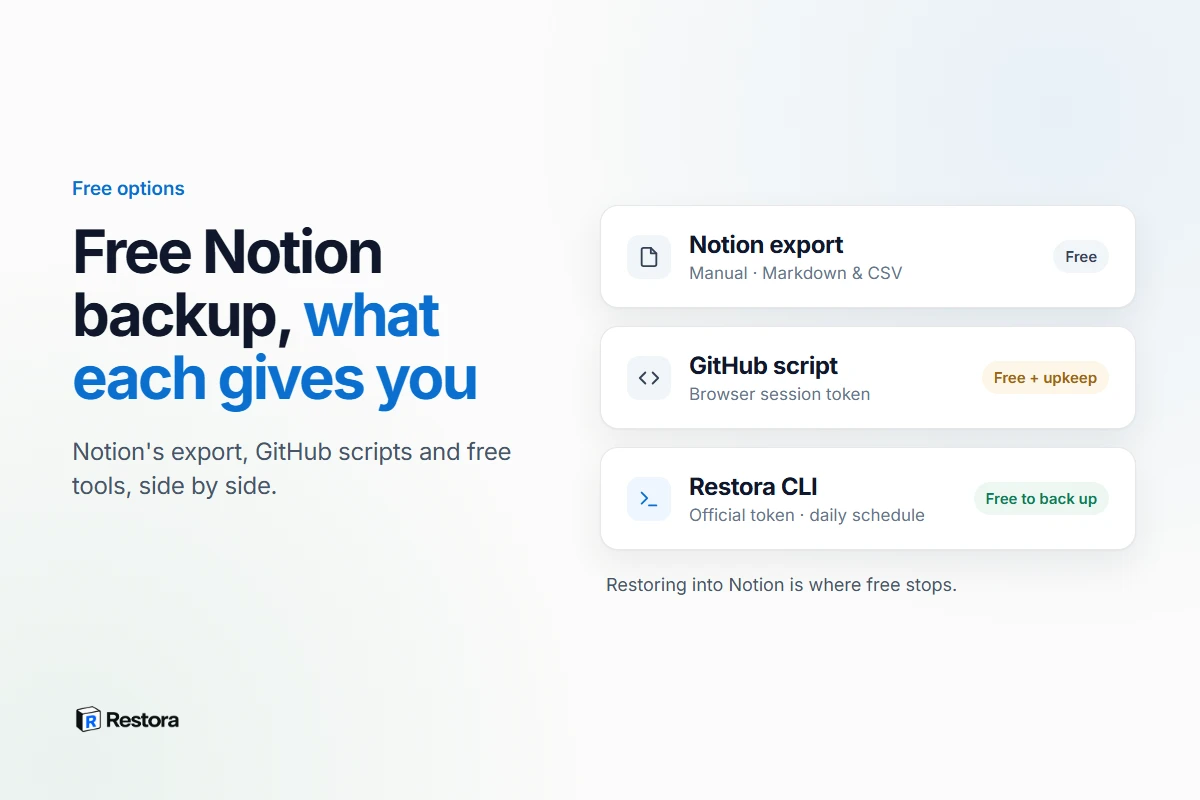
Free Notion backups come in four kinds: Notion's own export, open-source scripts you run yourself, free hosted tools, and the free tier of a paid product. All of them leave you with a copy of your workspace. They aren't interchangeable, and the differences show up at the worst possible moment — a scheduled script that quietly stopped months ago, or a folder of CSVs that won't turn back into a database.
The short answer
- A readable archive, now and then: Notion's built-in export is free and fine for that.
- Nightly backups without running anything: Backups.so is free and hosted, and produces CSV, Markdown and HTML.
- Scheduled backups into your own storage that keep databases as structure: Restora's free CLI does that through Notion's official API.
- You enjoy maintaining scripts: the popular GitHub projects work, but most sign in with your browser's session cookie, and the best-known one is archived.
None of them restores into Notion for free. Putting databases back with their relations reconnected and views rebuilt is the part every tool either charges for or leaves to you.
1. Notion's built-in export
Any page or database can be exported from its ••• menu as Markdown & CSV or HTML, and the whole workspace can be exported from Settings with Export all workspace content. Large exports arrive by email; Notion says the download link expires after 7 days, and a big workspace can take up to 30 hours to process.
What you get is good for reading and weak for rebuilding. Notion's help center is direct about it: you can't instantly recreate your workspace by re-uploading an export. Databases export as CSV from one view — the current view or the default one — and a new CSV import can't create relations, rollups or formulas. The full list is in what Notion's export leaves behind.
Good for: a free, readable archive. Not for: automation, because you have to remember to do it, or restoring a working database.
2. Open-source scripts on GitHub
Search "notion backup github" and a handful of well-known projects come up. Several of the most visible ones automate Notion's own export by signing in the way your browser does — with the token_v2 session cookie — rather than through Notion's official API.
| Project | How it signs in | What it saves | Notes, September 2026 |
|---|---|---|---|
| jckleiner/notion-backup | token_v2 browser cookie, copied by hand | Markdown or HTML to Google Drive, Dropbox, pCloud, Nextcloud or a local folder | Archived by its owner on December 6, 2025; read-only |
| darobin/notion-backup | token_v2 plus a file token from your browser | HTML and Markdown, run from GitHub Actions | MIT; its author says it isn't actively maintained |
| nikhilbadyal/notion-backup | token_v2 plus a file token | Markdown or HTML to a local folder or any rclone remote | MIT |
| upleveled/notion-backup | A NOTION_TOKEN secret, per its setup guide | Exports of the pages you list, committed to a GitHub repo daily | Runs as a GitHub Actions workflow |
Two things to know before you pick one:
- The session token expires. darobin's README spells it out: log out, or let the session lapse, and the tokens stop working until you copy new ones. A scheduled job that fails quietly is the most common way a DIY backup lets you down.
- That token is your login.
token_v2is the cookie that keeps your browser signed in to Notion, so anything holding it can act as you. Treat it like a password, and run the job somewhere you control.
None of these projects restores into Notion. The cookie-based ones produce Notion's own export files, with the same limits as option 1.
3. Free hosted tools
Backups.so is the free hosted option we found: nightly backups of the pages and databases you select, with databases saved as CSV and pages as Markdown and HTML, downloadable from a dashboard or synced to your own S3 bucket. It's hands-off and costs nothing. Like any file export, it's an archive — there's no restore into Notion.
Most paid services offer a trial rather than a free plan: ProBackup for 7 days, BackupLABS for 14, and NotionGitBackup for 7 days before £9/month. SimpleBackups has a free Basic plan, but Notion workspaces aren't included in it. We compare the paid tools in Notion backup tools, compared on what they restore.
4. Restora's free tier
Restora is free to back up and paid to restore. There are two free routes:
- The web app at app.restora.cc: connect Notion, choose what to back up, and download a structured backup file. No card needed.
- The open-source CLI,
@restora/cli(MIT): runs on your computer, backs up on a daily schedule to your Google Drive, an S3-compatible bucket or a local folder, and signs in with a Notion internal integration token — an official credential that doesn't expire when you log out of Notion.
The difference from options 1 to 3 is what's inside the file. A Restora backup keeps databases as structure — relations, rollups and formulas as definitions, plus views and page hierarchy — so it can be rebuilt inside Notion later instead of re-imported as flat tables. The free tier also includes the read-only Drift Auditor, which compares a backup with your live workspace, and restora guard for taking a snapshot before an AI agent runs.
The honest limits: a CLI schedule only runs while your computer is on and awake, and restoring into Notion is paid — $6.99/month with Pro, or a one-time $9.99 pass that unlocks restores for 30 days.
Side by side
| Runs on a schedule | Signs in with | Databases kept as structure | Restore into Notion | Cost | |
|---|---|---|---|---|---|
| Notion export | No — manual | Your Notion account | No — CSV from one view | No — re-import creates new tables | Free |
| Cookie-based GitHub scripts | Yes, if you host the job | Your browser's session token | No — Notion's export files | No | Free, plus upkeep |
| Backups.so | Yes, nightly | A hosted service | No — CSV, Markdown and HTML | No | Free |
| Restora, web or CLI | Yes, with the CLI on your machine | Notion's official OAuth (web) or an integration token (CLI) | Yes — relations, rollups, formulas and views | Yes, paid | Free to back up |
Which one fits
- A personal workspace that's mostly pages: export once a month and keep the file somewhere other than your Downloads folder — or schedule the free CLI so you don't have to remember.
- Databases you'd need back, not just read: choose a backup that keeps relations and views as structure, so a restore is possible later. You can't add structure to an old export after the fact.
- You want your notes in git: a GitHub Actions workflow is a reasonable fit; budget for replacing the session token when it expires.
- Zero setup, zero cost, reading only: Backups.so.
The part free doesn't cover
Backing up is cheap because it's reading. Restoring is expensive because it's rebuilding: recreating each database, re-linking every relation once all the rows exist, recreating the views. That's why every free option on this page stops at files, and why the tools that restore into Notion — Restora included — charge for it. The practical move is to pick a free backup that captures enough structure to be restored later, because that's the one thing you can't fix after the data is gone. If automation is your main goal, four ways to back up Notion automatically covers the trade-offs.
Sources, checked September 13, 2026: Notion's help center on exporting and importing; the READMEs of jckleiner/notion-backup, darobin/notion-backup, nikhilbadyal/notion-backup and upleveled/notion-backup; Backups.so; the pricing pages of ProBackup, BackupLABS, NotionGitBackup and SimpleBackups.