
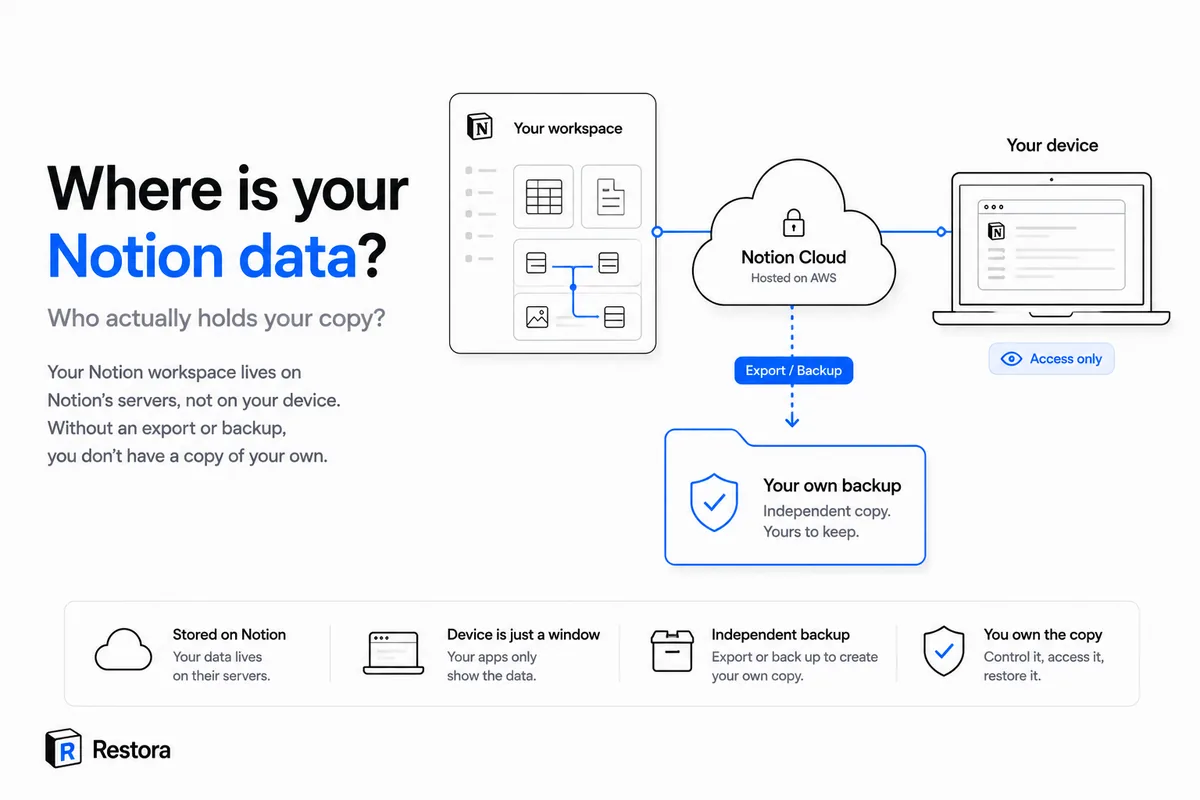
You type into Notion every day, so it feels like the data is right there with you. It isn't. Your workspace lives on Notion's cloud infrastructure — servers run on major providers like AWS — and the app on your laptop or phone is just a window onto it. Close the tab and there's nothing local to fall back on. Without an export or a backup, you don't have a copy of your own data at all.
That's fine, right up until it isn't.
You're renting the room your data lives in
Owning your content (which you do, under Notion's terms) is not the same as possessing it. The only working copy sits on Notion's side, and your ability to reach it depends on three things all staying healthy at once: your account, your connection, and your subscription. Knock out any one of them and the workspace you rely on is suddenly on the far side of a door you can't open.
None of these are exotic. They're ordinary Tuesdays:
- An outage. The service is down; your data is fine, but you can't touch it until it's back.
- An account problem. A lockout, a lapsed payment, a login you can't complete — access gone, data stranded behind it. If the workspace itself was deleted, here's what can still be recovered.
- A mistake inside the workspace. A bad automation, a wrong bulk edit, an accidental delete, a property-type change that wipes a column the instant you confirm it. The data isn't behind a locked door here — it's simply gone from the live copy.
In every case, the thing that would save you is a second copy you hold yourself. And that's exactly the thing most Notion users don't have.
"But I can just export it"
You can — and it's better than nothing — but Notion's built-in export is lossier than people expect. Relations between database rows flatten to plain text. Rollups and formulas save the number they happened to show, not the logic that produced it. Views, filters, and sorts don't come along. Re-importing that file later builds a brand-new table that reconnects nothing. We go through it in detail in what Notion's export silently leaves behind. A one-time export is a photograph of a moving thing; it's not a copy you can put back.
The fix: keep a copy you actually own
The move that turns "I own my data" into something real is a structured backup on storage you control — your own Google Drive, an S3 bucket, or a local folder. That copy stays reachable no matter what happens to your Notion account, and because it's structured (databases saved as definitions, not flattened rows), it can be rebuilt back inside Notion when you need it.
This is the whole idea behind Restora, and the boundary is deliberately strict: your backups go straight to your storage, and no copy is kept on Restora's servers. The open-source @restora/cli is free and runs locally:
npx @restora/cli backup
If you'd rather it run on its own without keeping a machine awake, the Pro web app handles the schedule and adds deletion alerts for $6.99/month. Either way, the copy is yours — sitting in your storage, where losing your Notion access can't reach it.
Your Notion data doesn't have to live in only one place, on someone else's infrastructure, one bad day away from being unreachable. It just does by default — until you keep a copy of your own.